Venue App Guide
Everything you need for your visit, in one place
Download the official Utilita Arena Birmingham app to access your tickets, book parking, and plan your evening
How to set up your tickets
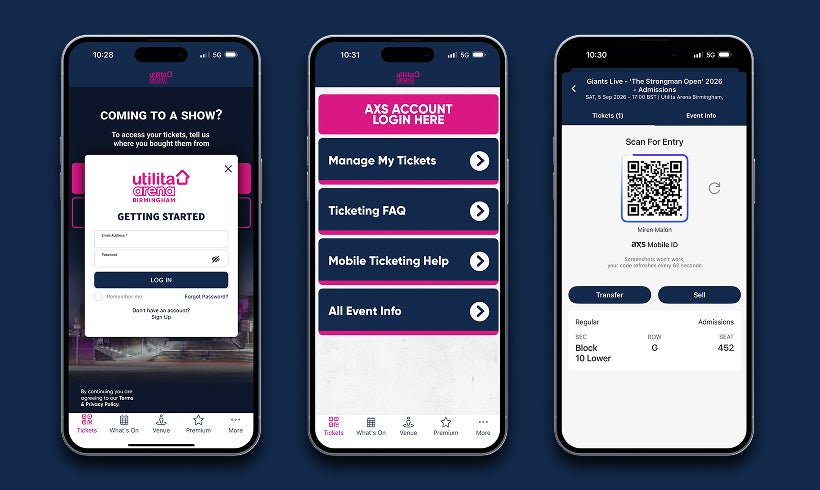
Your tickets are held by your Ticket Agent, delivered by AXS, and displayed here in the Utilita Arena App. For these to sync, you must use the same email address for all three.
-
Register: Create your account using the email address used to buy your tickets.
-
Link AXS: Tap ‘My Tickets’ and sign in to AXS; your tickets will appear automatically. Regardless of which official agent you purchased from, your tickets are delivered via AXS. You must link an AXS account using the exact same email address used for your booking.
-
Go Offline: Open your tickets before you arrive to ensure they scan without a signal.
Sharing tickets with your group
-
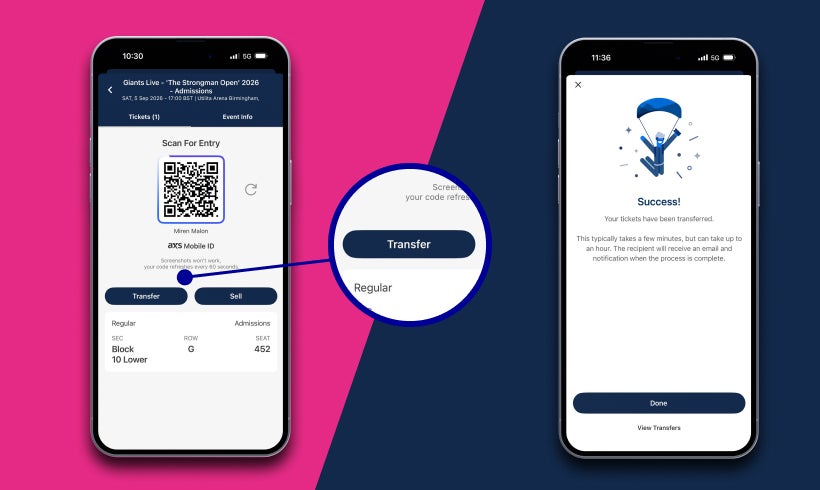
Transfer: In ‘My Tickets’, select ‘Transfer’ and enter your friend’s email address.
-
Flexibility: This allows your group to arrive at different times if not travelling together.
-
Organise: Ensure every guest has their own ticket ready to scan on their own mobile.
What’s inside the app?
-
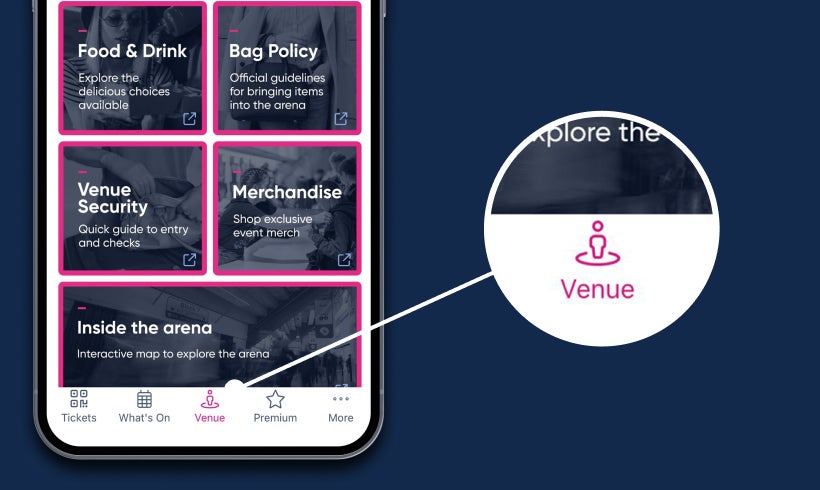
Navigate: View arena maps and find the best entrance for your specific ticket type.
-
Book Parking: Secure your space by booking your event parking in advance.
-
Plan Ahead: Check the latest food options and bag policies before you leave home.

Tips for the show
-
Power Up: Charge your phone to 100% and turn up brightness before the scanner.
-
No Screenshots: Screenshots or printouts will not work; only live tickets are accepted.
-
Get Help: If you have any issues accessing tickets, please visit the Box Office on arrival.
When will my tickets be available?
For most shows, your digital tickets will be ready to view in the app two weeks (14 days) before the event. If you have only just purchased your tickets and the show is less than a fortnight away, please allow 24 hours for the systems to sync before checking again.
Just purchased? Please allow up to 24 hours for our systems to sync with your ticket agent before your tickets appear in the 'My Tickets' section.
Why can't I see my tickets in the app?
To access your digital tickets, you must have purchased them through one of our authorised agents: AXS, Ticketmaster, See Tickets, Gigantic, Eventim, or Ticketzone. If you used Ticketek or another provider, please contact them directly.
If you purchased through an authorised agent but the app is empty, please check the following:.
-
Check your Booking Confirmation: Note the email address used.
-
Match your Login: If your app email is different, you must reset.
-
Perform a Reset: Go to More > Delete Account to clear the current session and re-register with the correct matching email.
I still can’t access my tickets, who should I contact?
If your tickets still don’t appear, you can download the AXS app and check your tickets there, or contact AXS Support for assistance.
If you’re unable to access the AXS app, please visit the venue Box Office on the night of the show with your order confirmation and photo ID. Please note that a £2.00 fee per ticket will apply for this service.
Download the app today
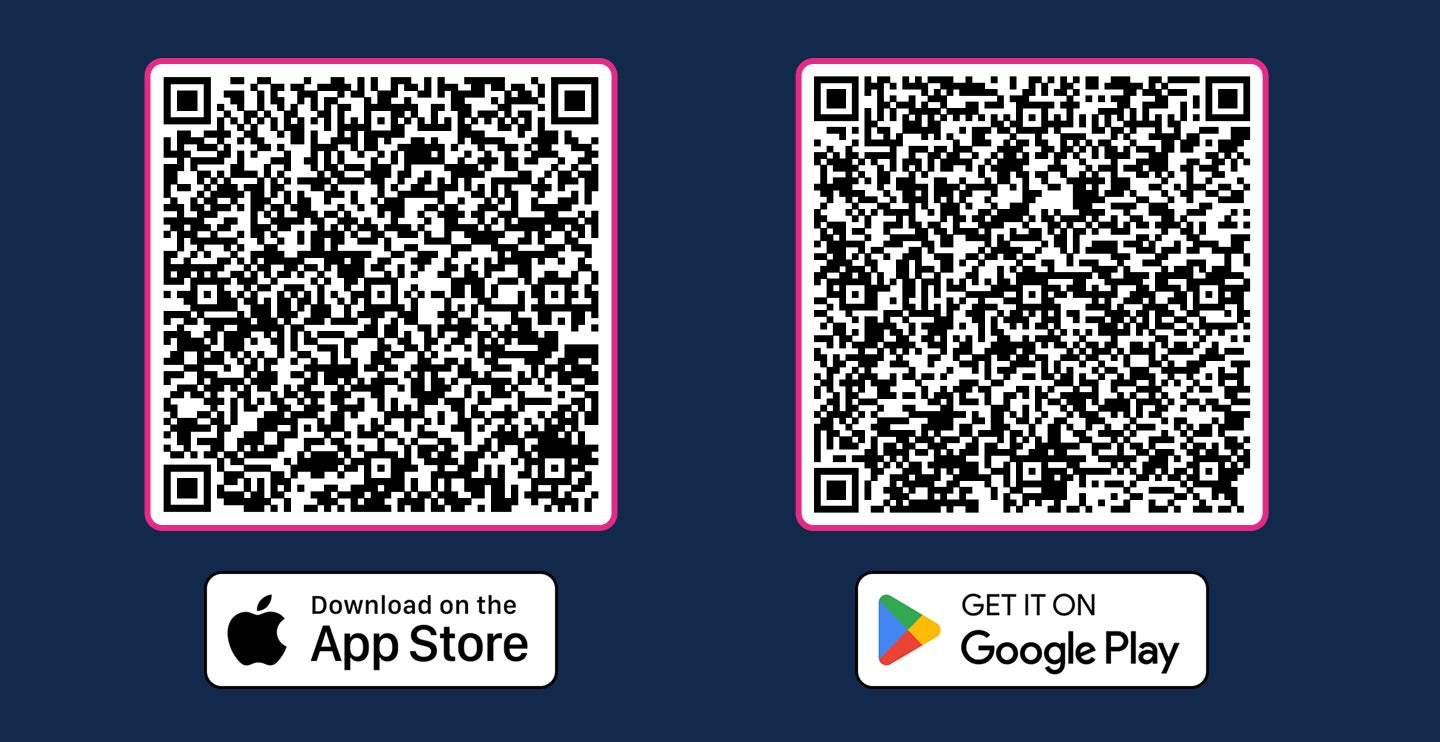
Scanning the QR codes below with your phone camera is the quickest way to find the app in your store.
Download on App Store Download on Google Play